Auto-Session Recording (Trainer's Desktop)
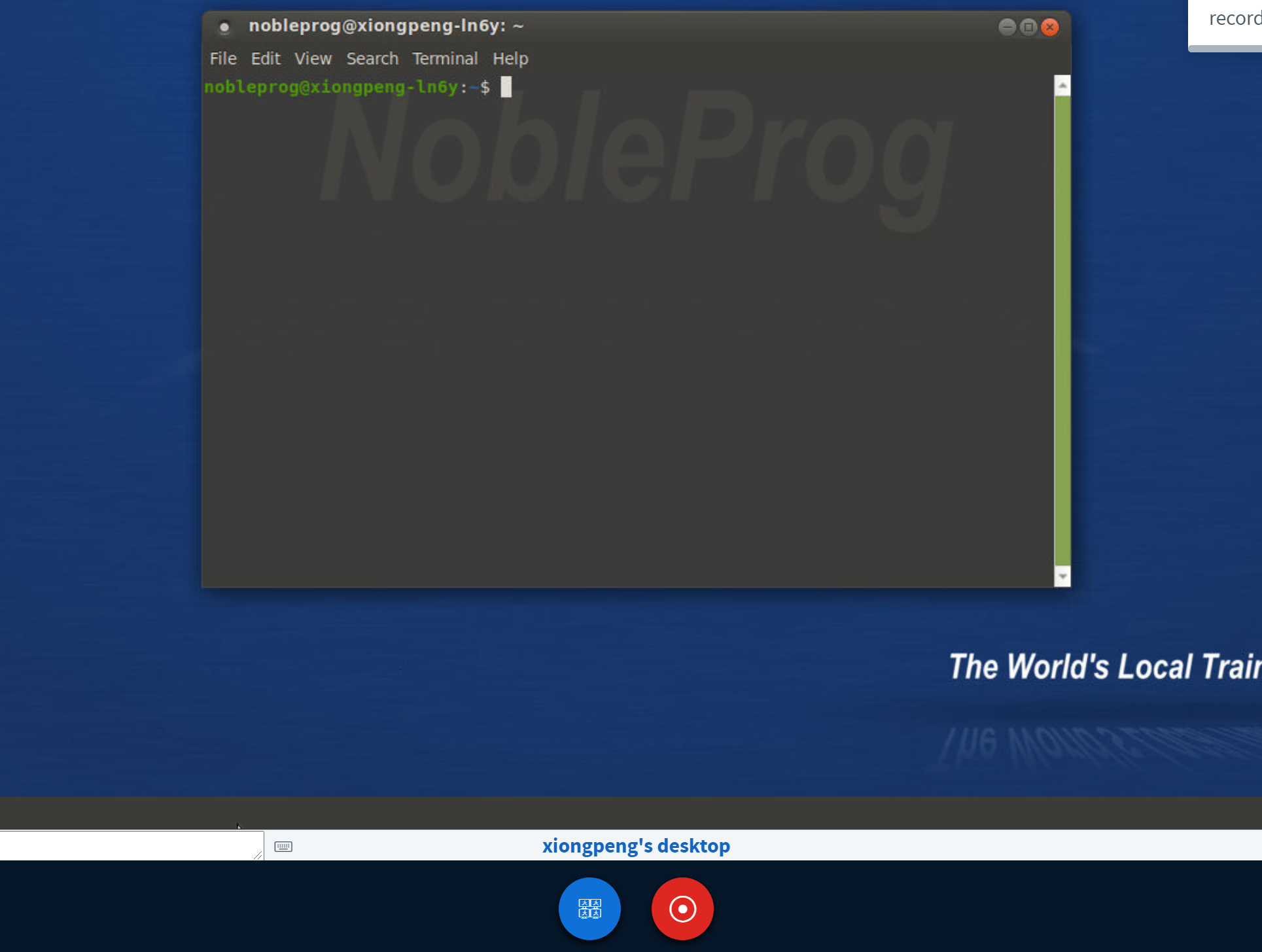
Auto-Session recording of Trainer's Desktop begins when you enter the training room.
Press the "red-recording" button again to stop the recording.
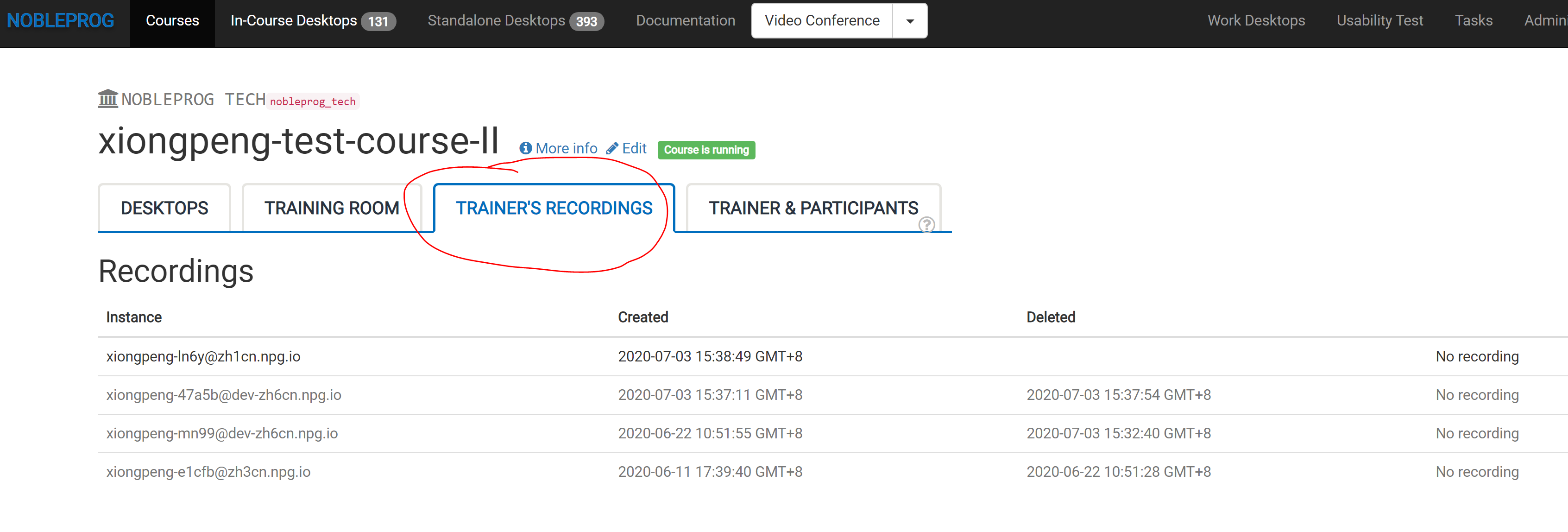
Find your recordings in "Trainer's Recordings" within your course.