
Over-committing of Co-efficients
This feature is only available in DaDesktop Private Server (DDPS) and DaDesktop On-Premise (DDOP).
Given the growing complexity and processing demands of courses—especially with nested virtualisation or the need for higher performance to support more trainee desktops—you may occasionally encounter an error like this one:

The warning appears specifically for CPU, memory, or disk space. In such a case, the first step would be to try moving your machine(s) to a less busy server or data centre, or to reduce resource requirements if possible.
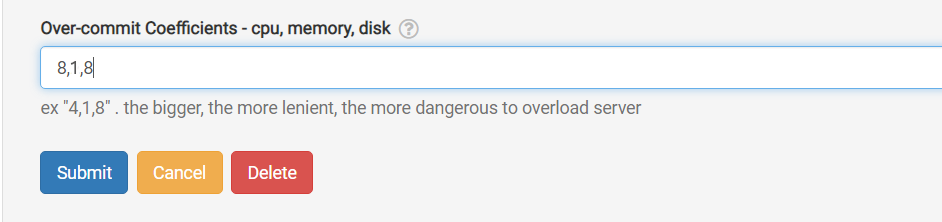
If those options aren't feasible, a simple and quick fix—when the running units are just slightly over the maximum normally allowed—is to temporarily over-commit one or more of the CPU, memory, or disk coefficients. You can do this in the GUI as shown below.
Go to /da/admin/servers/all, click the Edit button for your server, then scroll down to this section.
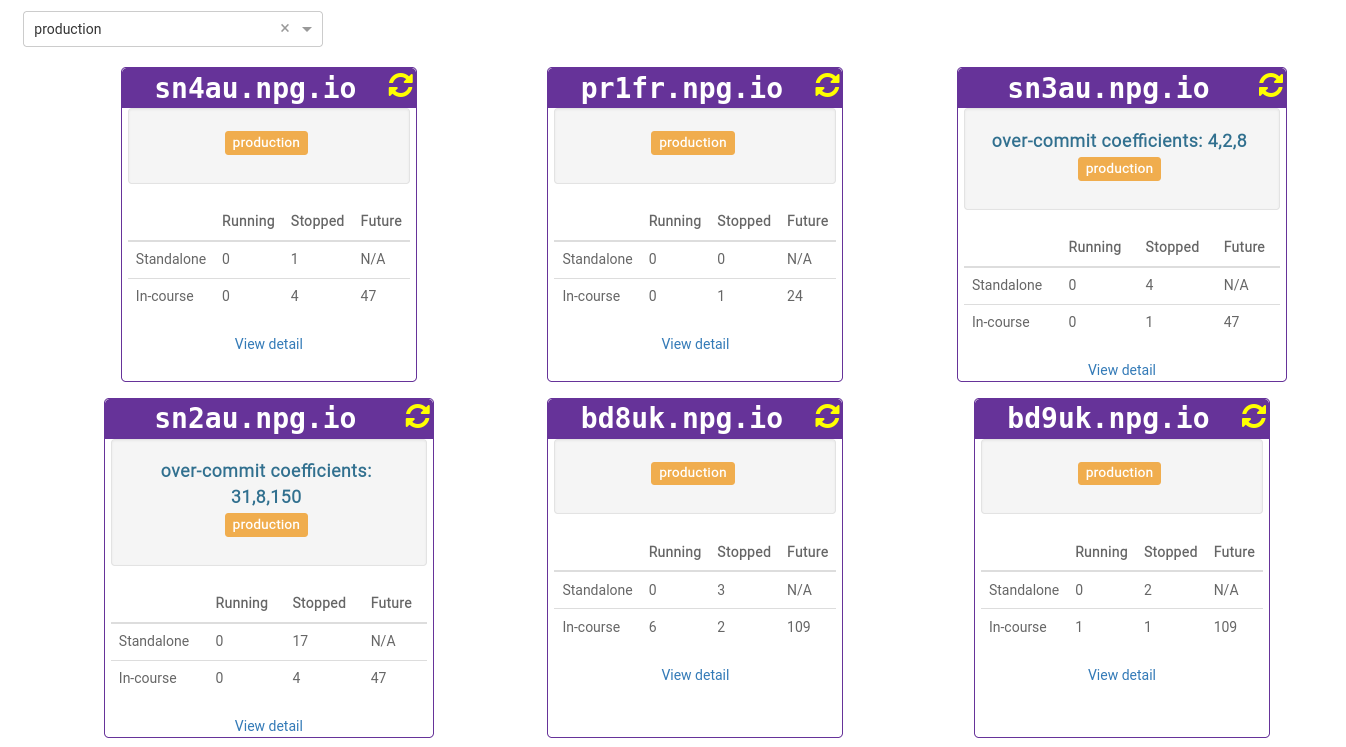
The server list also displays servers with over-committed coefficients in use. This comes in handy when you need to remove these after a course ends and reset the coefficients to their defaults.
Any changes you make should be seen as a temporary fix, not a permanent solution for insufficient resources. Changes that allow a course to proceed should be reverted once the course has ended.
DaDesktop On-premise Requirements
The over-committing function relies on tpapi, which is part of the DaDesktop codebase. Tpapi currently supports only Python 3.12, so the operating system must be at least Ubuntu 23.10.